Obtaining your CPP Statement of Contributions
To get your Canada Pension Plan Statement of Contributions please go to My Services Canada Account. Alternatively, you may request a paper copy by calling 1-800-277-9914—this will take a few weeks to receive your statement.
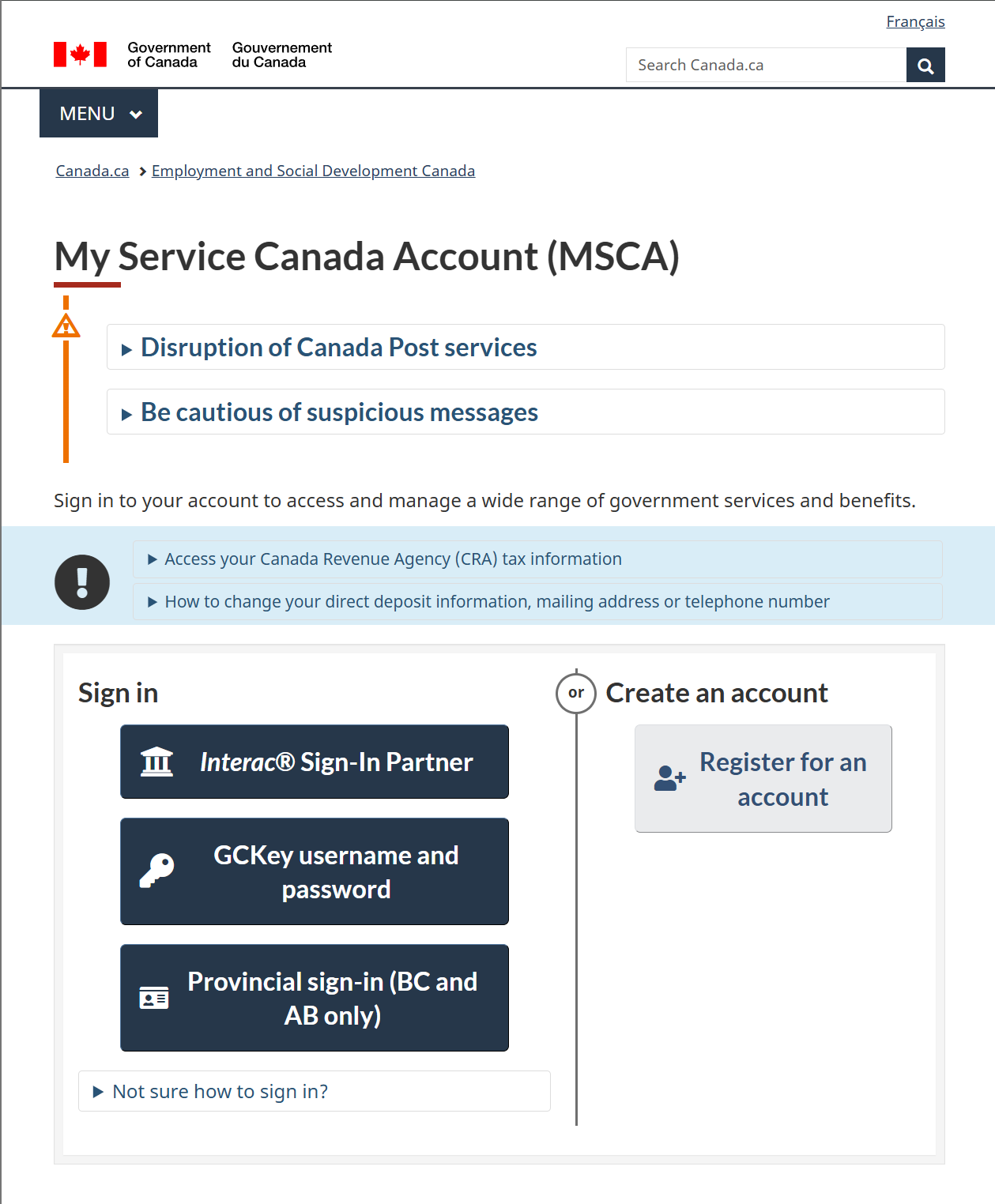
Register for an account
If you do not have an account, if you do, move on to the next section.
- Click " Register for an account"
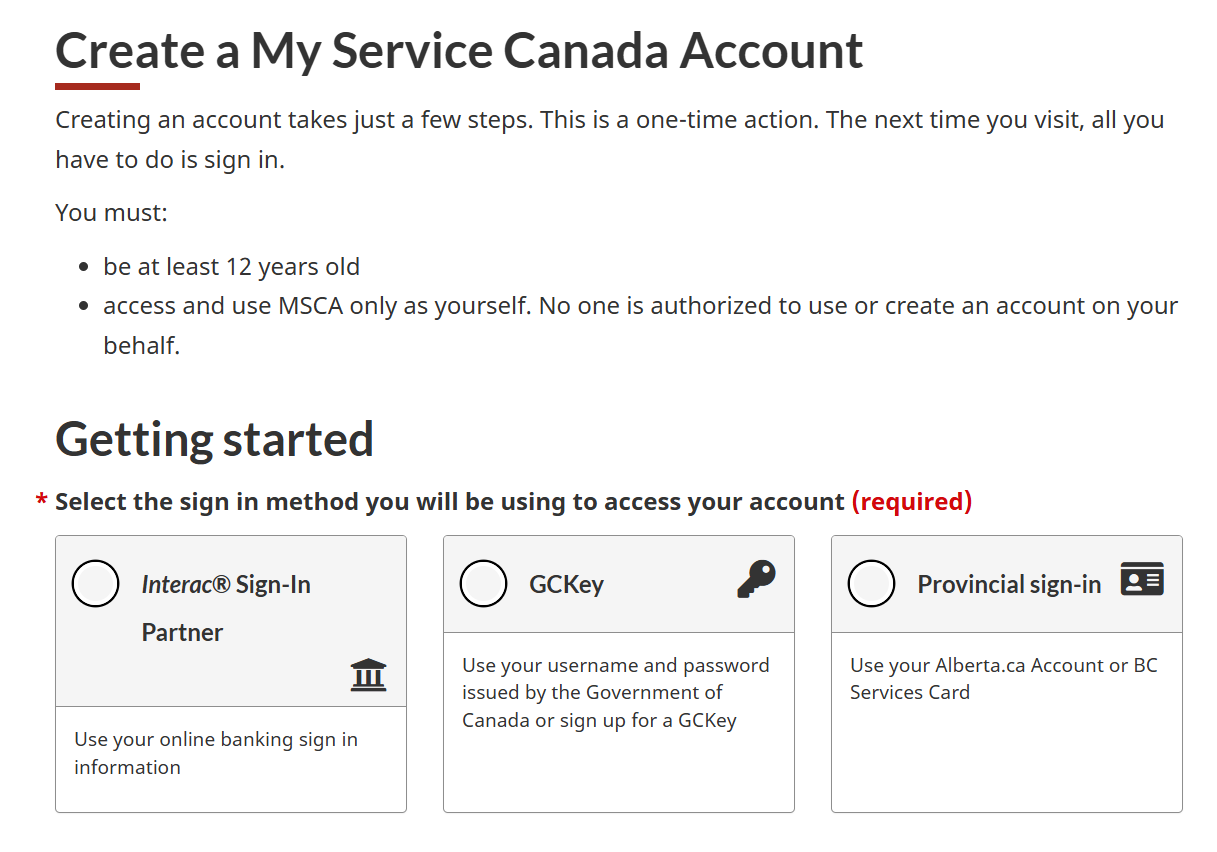
- Choose how you would like to register. The quickest way is to use the "Interac Sign-in Partner" option.
Log into your account
- Log into your account. Please ensure you have access to your phone as a on time passwords (OTP) will be sent to your phone.
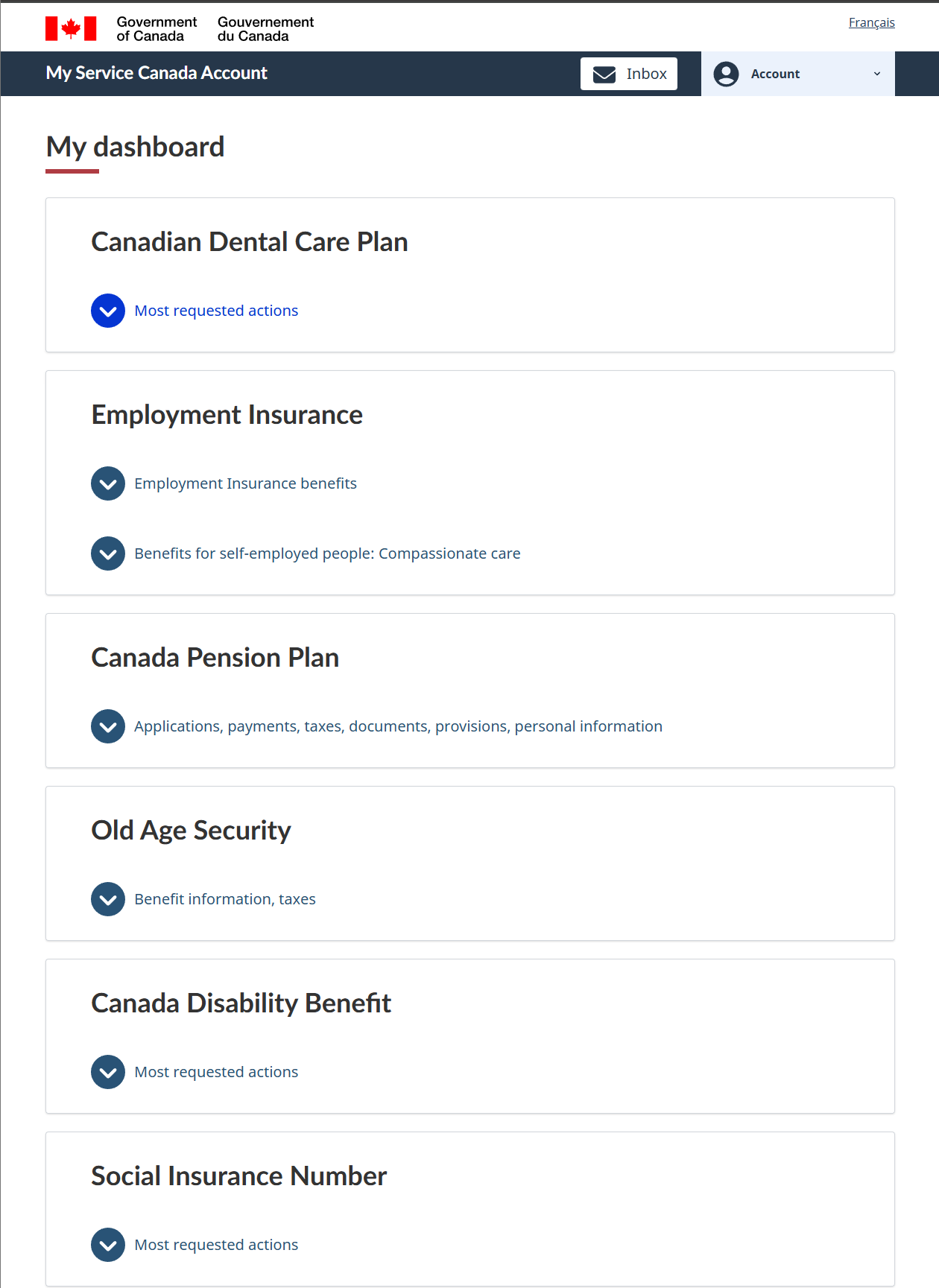
- Once Logged in, please click "My Dashboard"
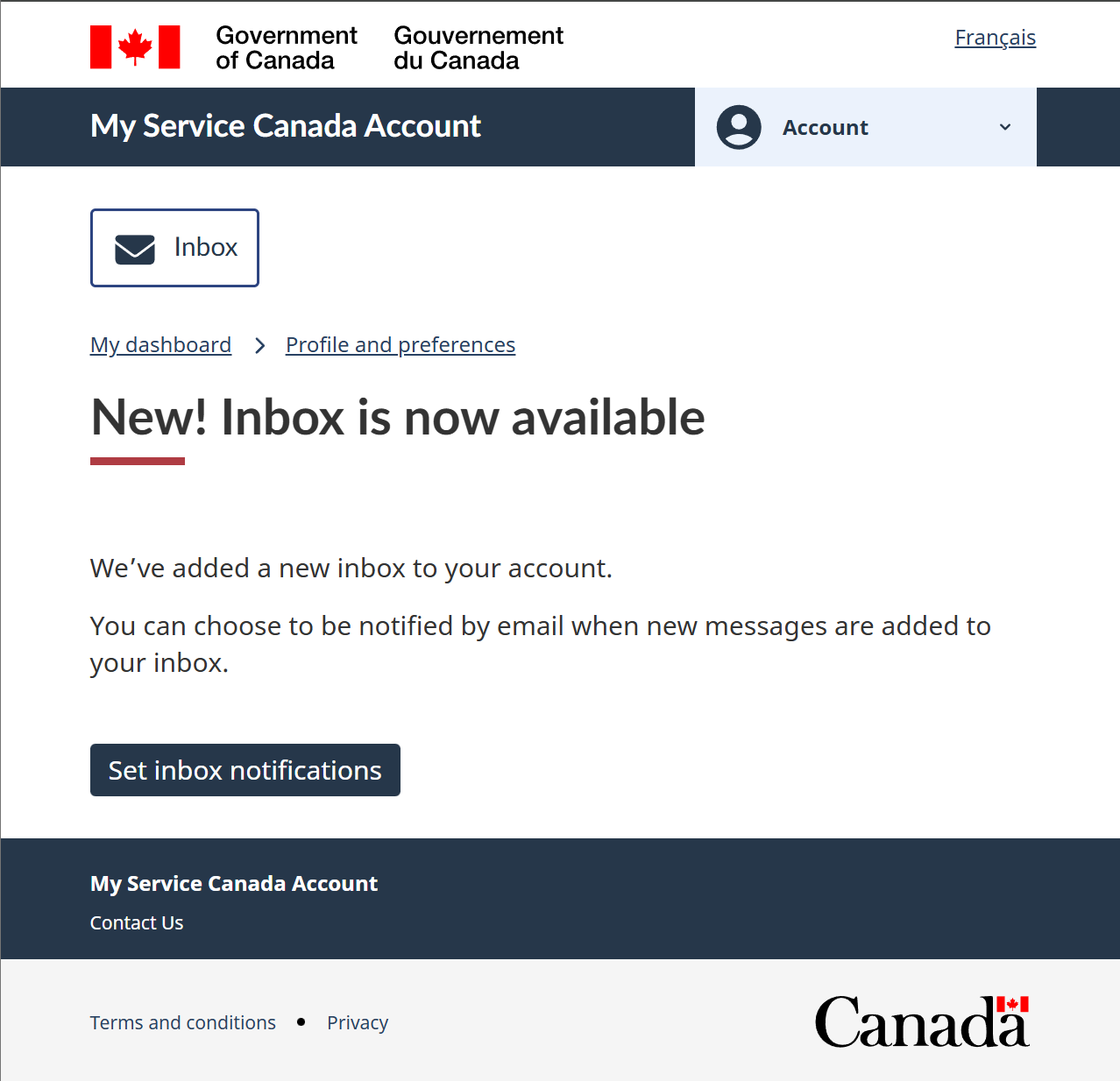
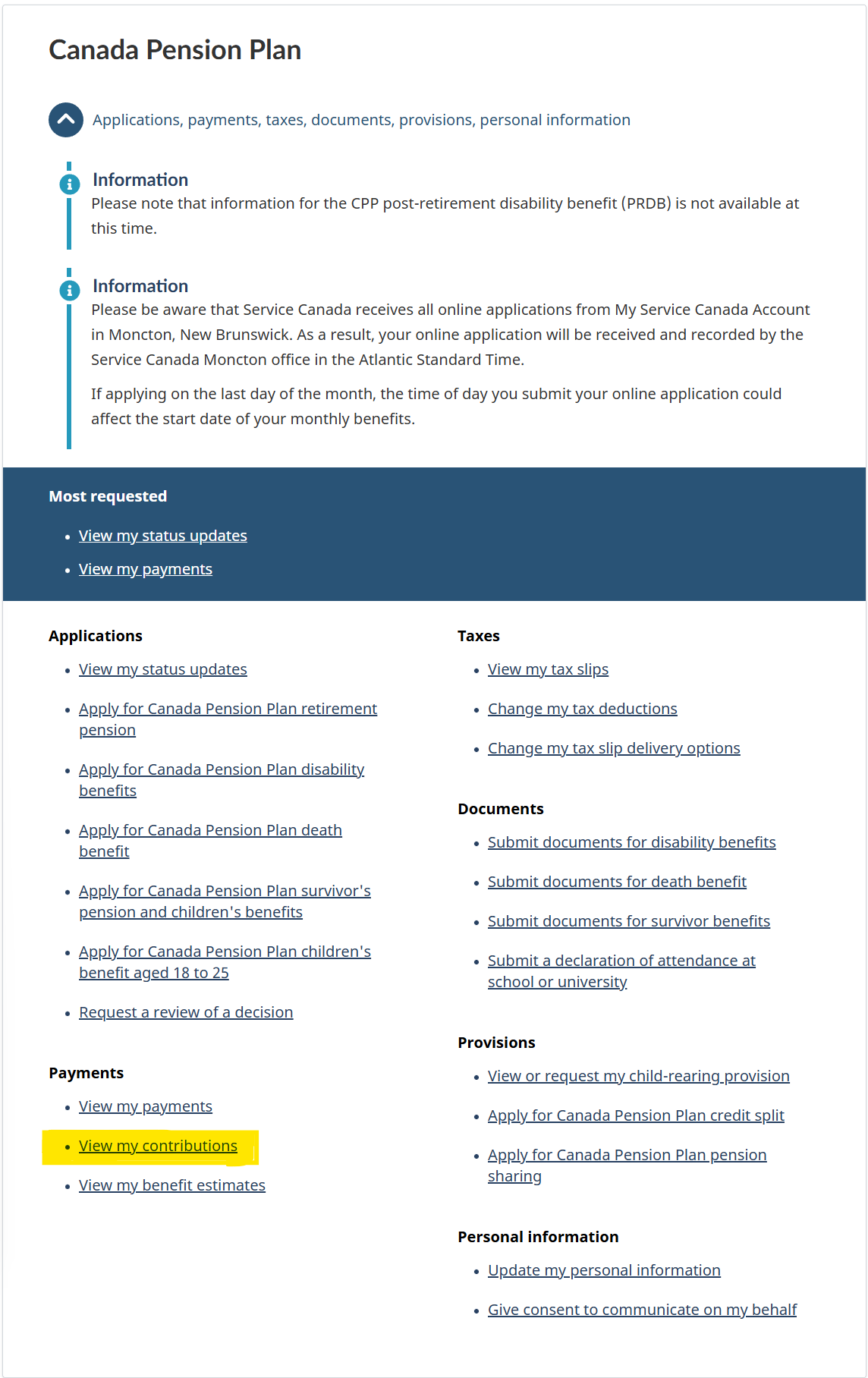
- Under "Canada Pension Plan" click on the blue arrow next to "Applications, payments, taxes, documents, provisions, personal information"
- Now Select "View my contributions"
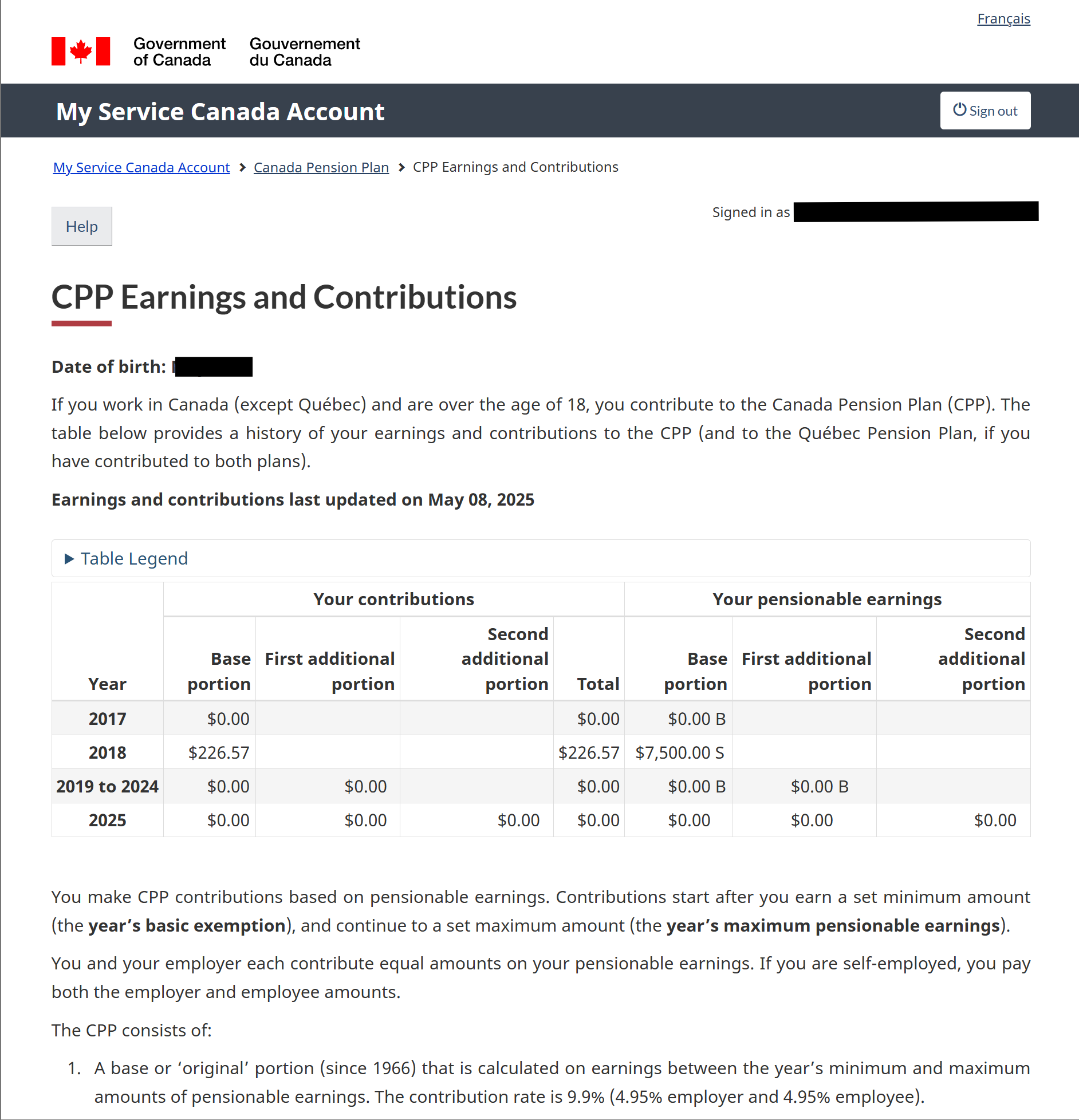
Obtain CPP earnings and contributions
You have now arrived at your "CPP Earnings and Contributions" statement.
You may now
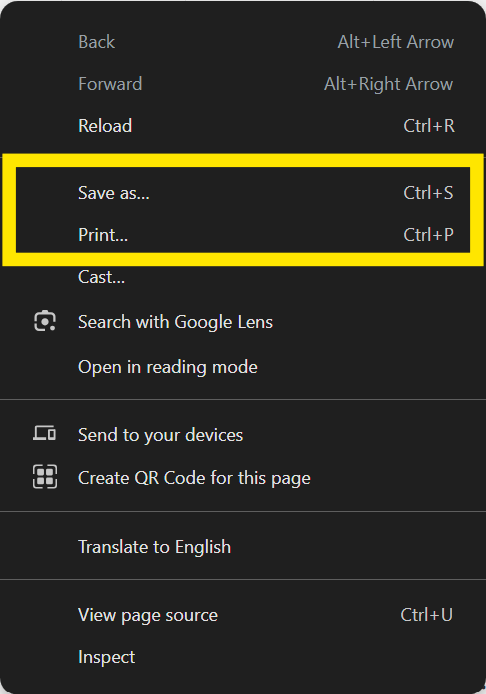
- Right click your mouse over the webpage, anywhere over the table should be fine.
- The options to "print" or "save as webpage" will be available. Choose whichever you prefer. You may print to paper or electronically save the documents.